 Afrikaans
 Azərbaycan
 Bosanski
 Čeština
 Dansk
Dansk Deutsch
 English
 Español
 Filipino
 Français
 Hrvatski
 Indonesia
 Italiano
 Magyar
 Melayu
 Nederlands
 Norsk
Norsk Oʻzbek
 Polski
 Português
 Română
 Slovenčina
 Slovenščina
 Suomi
Suomi Svenska
 Tiếng Việt
 Türkçe
 Ελληνικά
 Беларуская
 Български
 Русский
 Српски
 Українська
 עברית
עברית اردو
اردو العربية
 پښتو
پښتو فارسی
فارسی አማርኛ
አማርኛ मराठी
मराठी বাংলা
বাংলা தமிழ்
தமிழ் ไทย
ไทย မြန်မာ
 한국어
한국어 中文
中文 日本語
日本語

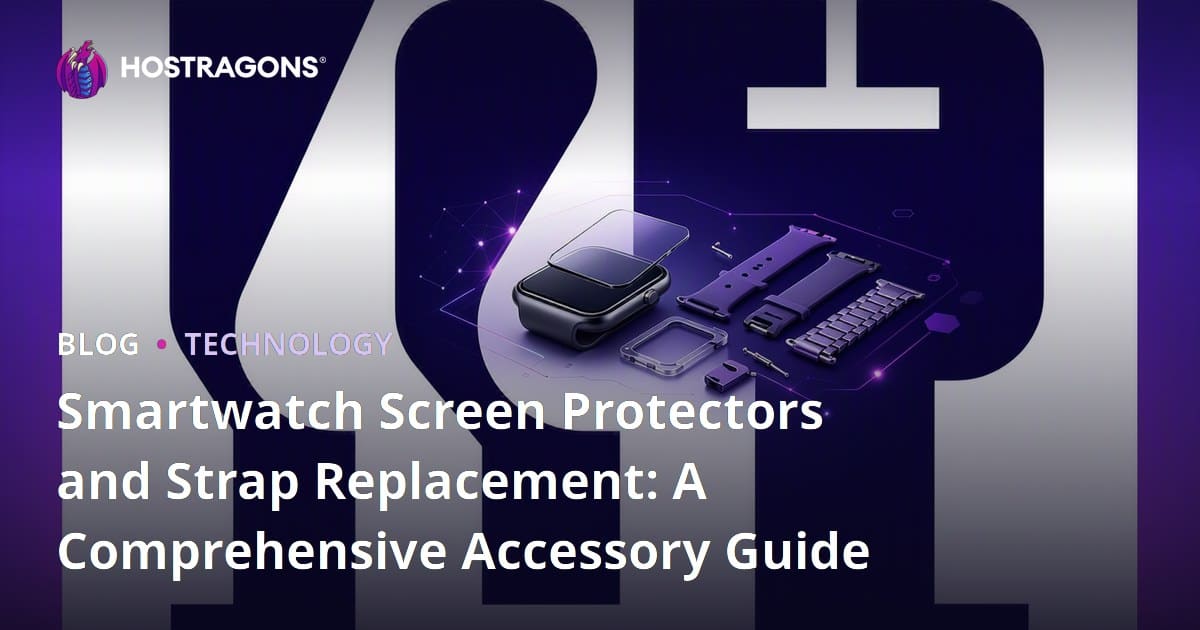
Smartwatch Screen Protectors and Strap Replacement are essential micro-accessories that protect the screen from scratches and impacts while quickly refreshing the style, comfort, and appearance of your device. The right screen protector must fit perfectly according to the screen size and case curvature, while the appropriate strap should match the watch model, wrist size, intended use, and connection width. These two small accessories provide the most cost-effective way for most users to extend their device's lifespan, preserve its resale value, and personalize their daily experience without needing to buy a new watch.
Smartwatches have evolved beyond simple notification devices; they are now mini-computers worn on the wrist, tracking sports, analyzing sleep, enabling contactless payments, monitoring health metrics, and facilitating work communication. This intense usage accelerates wear, especially on the screen and strap. Everyday incidents such as hitting a table, rubbing against weights at the gym, exposure to sand on the beach, or contact with perfume or sweat can quickly wear down the screen and strap. Therefore, the micro-accessory approach focuses on extending the smartwatch's lifespan with small but impactful components rather than relying on large and expensive equipment.
This guide will focus solely on smartwatch screen protectors and strap replacements. You will find practical answers to questions such as which type of glass is suitable for which user, how to avoid confusion between sizes ranging from 40 mm to 44 mm, when a silicone strap makes more sense, who might find metal straps risky, how to perform a replacement at home, and how to present this micro-accessory category reliably on e-commerce sites.
What is a Smartwatch Screen Protector and Why is it Necessary?
A smartwatch screen protector is a thin protective layer applied to the watch's display surface. Its purpose is to prevent scratches on the main screen, damage from minor impacts, and dullness from everyday use. It functions similarly to smartphone screen protectors, but the tolerance levels for watches are much more delicate. This is because the display area is smaller, the case edges are more curved, and the user's wrist moves significantly throughout the day.
The most common types of damage can be categorized into three groups: scratches caused by keys or metal surfaces, impacts from door handles and table edges, and wear from friction during sports. A quality screen protector absorbs most of these impacts. Tempered glasses with a 9H hardness rating provide good resistance to scratches, while TPU or hydrogel protectors can offer better edge compliance on curved displays.
An important point regarding user experience is that after installing the screen protector, there should be no significant loss in touch sensitivity, no air gaps should remain at the screen edges, and compatibility with the watch case should not be compromised. A cheap but poorly cut protector may collect dust instead of protecting the watch and can become uncomfortable for the user. Therefore, the product description must clearly state the model, case diameter, screen type, and package contents.
Types of Smartwatch Screen Protectors
When choosing a screen protector, price is not the only criterion. The material composition, ease of installation, compatibility with the screen curvature, and shock-absorption behavior should also be considered. The table below summarizes the most common options.
| Type of Protector | Strengths | Considerations | Suitable For |
|---|---|---|---|
| Tempered Glass | High scratch resistance, clear display | May not fit perfectly on curved edges | Everyday users, office workers |
| Hydrogel Film | Good fit for curved screens, thin structure | Not as hard against impacts as glass | Users with curved screen watches |
| TPU Protector | Flexible structure, low risk of lifting at edges | May retain fingerprints, requires careful application | Active users, those who engage in sports |
| Full Coverage Case Protector | Protects both screen and case edges | May make the watch look bulkier | Those in high-impact jobs |
Tempered glass is often the first choice for those seeking clarity and scratch resistance. However, some smartwatch models have slightly bulging screen edges. In such cases, a flat glass may create millimeter gaps at the edges. Hydrogel and TPU options can mitigate this issue. Full coverage solutions cover both the display and the case frame; they can be safer in situations involving cycling, running, fieldwork, or intensive contact with children.
Why is Strap Replacement So Important?
The smartwatch strap is the most critical part of the device that makes contact with the wrist. No matter how good the display is, if the strap is uncomfortable, the watch won't be used. Strap replacement is not just a visual choice; it is also important for hygiene, ergonomics, sports performance, and skin health. A strap that does not allow air circulation can cause redness on a sweaty wrist. A very stiff strap can complicate sleep tracking. A strap that is too loose may hinder accurate data collection by heart rate sensors.
For example, if a person with a 42 mm case has a wrist circumference of 16 cm, a strap that is too long can rotate on the wrist. For a sporty user, a silicone or fluoroelastomer strap may be more logical. Someone who wears it with a suit may prefer a leather or steel mesh strap for a more elegant look. The goal here is to adapt the strap to the user's lifestyle, not the watch itself.
Additionally, changing the strap can psychologically extend the smartwatch's lifespan. Users can experience a new device feeling with different straps while retaining the same display and hardware. This micro-accessory effect is especially important for increasing low cart values in e-commerce: when a user purchasing a screen protector is recommended a compatible strap, both user experience and sales value increase.
Strap Materials: Which is Suitable for What Use?
Silicone and Fluoroelastomer Straps
Silicone straps are lightweight, flexible, and affordable. They are ideal for sports, daily use, and summer months. They are easy to clean; a few minutes with warm water and mild soap can ensure hygiene. Fluoroelastomer options typically offer a more durable, less dust-attracting structure that feels more premium on the skin. They are one of the most balanced choices for those who engage in intense sports, running, or do not take off their watch throughout the day.
Leather Straps
Leather straps provide a classic and stylish appearance. They are suitable for office, meetings, and daily urban use. However, excessive sweat, seawater, or frequent exposure to showers can shorten the lifespan of leather. Genuine leather straps can show color changes within 6-12 months; this is a natural aging behavior. When choosing a leather strap, check the stitching quality, buckle material, and whether the inner surface irritates the wrist.
Metal, Milanese, and Steel Straps
Metal straps are heavier and more durable. They offer a stylish appearance, turning the watch into a classic accessory, especially in business environments. Milanese woven straps can be easily adjusted with a magnetic closure system. However, metal straps can add weight to the wrist during sports and may cause irritation in some sensitive skin types. Users with nickel sensitivity should pay attention to the stainless steel quality mentioned in the product description.
Nylon and Fabric Straps
Nylon straps are lightweight, breathable, and come in a wide range of colors. They perform well for daily use, travel, and outdoor activities. Their downside is that they can absorb sweat and dust. If not regularly cleaned, they can develop odors. Therefore, having a backup strap is sensible: while one dries, the other can be worn.
Compatibility Check: 7 Steps to Avoid Wrong Purchases
A large portion of returns and dissatisfaction in smartwatch accessories results from compatibility issues. The checklist below provides a practical standard for both users and e-commerce sellers.
- Verify the model name: The brand alone is not enough. For example, the same brand may have different models for 40 mm, 41 mm, 44 mm, and 45 mm cases.
- Check the case size: Verify the size information from the watch settings, box label, or back cover.
- Measure the strap connection width: Some models use standard connections of 20 mm or 22 mm, while others have unique sliding systems.
- Examine the screen curvature: Tempered glass may work better for flat screens, while hydrogel may be more suitable for curved displays.
- Determine if you are using a case protector: A thick case cover may press against the edges of some protectors.
- Measure your wrist circumference: Use a tape measure to measure your wrist. 15-17 cm is considered small, 17-19 cm medium, and over 19 cm large.
- Select your usage scenario: Choose different straps for sports, office, sleep tracking, outdoor activities, or daily combinations.
When these steps are presented as a brief selection guide on product pages, user errors decrease. If you operate an accessory store or a technical blog, it is essential to publish compatibility tables on quickly accessible, mobile-friendly pages. For this, a reliable hosting infrastructure is necessary; especially for visually intensive product pages, Fast Web Hosting Solutions and uninterrupted access during campaign periods through E-commerce Hosting options should be considered.
How to Apply a Screen Protector? Step-by-Step Guide
The most critical aspect of applying a screen protector is dust control. Even a tiny dust particle can create a bubble on the watch display. Before starting the application, choose a well-lit, wind-free, and clean table. If possible, running hot water in the bathroom for a short while to suppress ambient dust before application can be effective; this method is commonly used for smartphone screen protectors as well.
- Turn off the watch: Prevent accidental touches from turning the screen on and off.
- Remove the strap: This allows easier access to the screen.
- Clean the display: Use an alcohol wipe to remove oil, then dry it with a clean cloth without leaving streaks.
- Use a dust sticker: Remove any remaining particles with a sticky label.
- Align the glass: Use the speaker, microphone, or case edge as a reference. Test the fit before dropping the glass in place.
- Press from the center: For tempered glass, apply slight pressure from the center; the adhesion wave will move towards the edges.
- Check the edges: If there are bubbles, use a microfiber cloth to push them toward the edge. Dust-induced bubbles can become permanent.
For hydrogel products, the application should be done more slowly. Since the film is flexible, excessive stretching can distort its shape. Small liquid traces may disappear within 12-24 hours after application. During this period, it is advisable not to submerge the watch in water or expose it to excessive sweating.
How to Change a Strap?
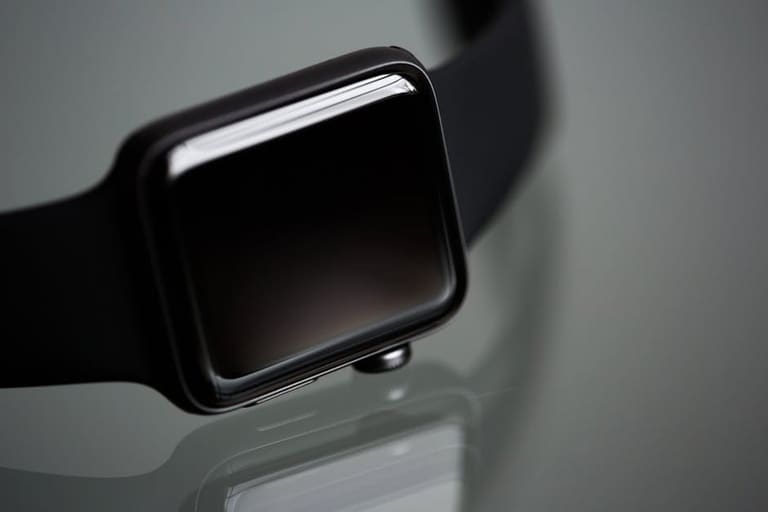
Changing the strap is a simple process that takes 1-2 minutes on most modern smartwatches. In sliding systems like the Apple Watch, you press the button on the back and slide the strap sideways. In standard pin systems, the quick-release lever is pulled in with a fingernail. Older spring pin types may require a small watchmaker's tool.
The most common mistake during the change is to force it. If the strap does not fit, the size may not be compatible, or it may be inserted in the wrong direction. In sliding systems, the watch should not be worn without hearing a click. Otherwise, the strap may come off the wrist, and the watch may fall. In pin systems, ensure that both ends of the pin snap into place. After attaching the strap, gently tug on the watch to perform a safety check.
For hygiene, it is a good routine to clean the strap at least once a week. Wiping a silicone strap with a damp cloth after sports, polishing a metal strap with a dry cloth, and airing out a leather strap without excessive moisture are sufficient. Using multiple straps provides both style variety and extends the lifespan of each strap.
How to Create a Trustworthy Product Page for Micro-Accessories?
Smartwatch screen protectors and strap replacements are categories where users make quick decisions but often have questions due to compatibility. Therefore, the product page should not only include a photo and price. It must contain clear model compatibility, size charts, material information, usage scenarios, and installation steps. Especially for mobile users, the following information should be visible on the first screen: compatible model, case size, package contents, return policy, and brief installation instructions.
For example, a product title could be structured as follows: 44 mm X Model Compatible Tempered Smartwatch Screen Protector, 2 Pieces, 9H, Edge Compatible. This title clearly communicates what the product is to both the user and the search engine. For straps, a title like 20 mm Quick Release Silicone Smartwatch Strap, Black, 15-20 cm Wrist Compatible would also be beneficial.
On the visual side, at least 5 photos are recommended: the product as worn on the watch, the product alone, size drawing, package contents, and installation steps. Short videos can enhance conversion rates. However, using high-quality visuals and videos may impact site performance. At this stage, visual optimization, caching, and fast server response are critical. For technical infrastructure, WordPress Hosting, brand security through Domain Query, and creating a sense of security on payment pages with SSL Certificate links can be naturally evaluated.
How Should Micro-Accessory Content Be Structured from an SEO Perspective?
In the 2026 SEO approach, simply repeating the keyword is no longer sufficient. Search engines evaluate signals together, such as whether the user's problem is being solved, whether the content provides real experience and actionable information, and whether the page is fast and secure. Therefore, smartwatch accessory content should be prepared in a balance of information, comparison, and purchasing guides.
If the main topic of a blog post is Smartwatch Screen Protectors and Strap Replacement, the subheadings should include types of protectors, strap materials, size compatibility, application steps, maintenance tips, and frequently asked questions. On product listing pages, filters should be organized according to user intent: brand, model, case size, color, material, connection type, and usage purpose.
On the technical side, using structured data is important. When the FAQ section, product review areas, stock information, and price range are correctly marked, a richer appearance can be achieved in search results. Also, category pages should not be filled with duplicate descriptions. Writing unique descriptions for each model or size increases organic traffic in the long run.
In a technical-focused publication like the Hostragons blog, this topic can also be related to e-commerce infrastructure and performance optimization. For instance, for someone looking to open an accessory store, fast-loading product pages, secure payment infrastructure, appropriate domain selection, and SSL usage are crucial for both sales and SEO. At this point, redirections can be made to contents like Guide to Setting Up an E-Commerce Site and Things to Consider When Choosing a Domain.
Short Checklist Before Purchase
Before making the final decision on the right product, review the following items. This list serves as a practical quality filter for both individual users and businesses making sales.
- Is the product compatible with your exact watch model and case size?
- Is the screen protector suitable for the curvature of the display?
- Is the strap connection a special slide or a standard pin of 20 mm or 22 mm?
- Is the material suitable for your intended use: sports, office, outdoor, or sleep?
- Is the wrist circumference range mentioned in the product description?
- Does the package include a cleaning wipe, dust sticker, or application tool?
- Does the seller provide assembly instructions, return conditions, and real product images?
These items may seem simple but significantly reduce the likelihood of purchasing the wrong product. It is particularly important to verify model information for smartwatch accessories purchased as gifts. A 1 mm size difference between two similarly appearing models from the same brand can prevent the glass from fitting or the strap from locking properly.
Expert Tips for Maintenance and Longevity
Using the screen protector and strap correctly reduces accessory costs. If the edge of the tempered glass is lifting, dust may have entered; trying to press it down often does not yield permanent results. A lifting glass can collect water and dirt, distorting the view. In such cases, replacing the glass is safer. Small surface marks on hydrogel film may decrease over time, but deep tears do not protect the screen.
Strap maintenance should be approached according to the material. Silicone straps should not be soaked in soapy hot water for extended periods as it may cause color fading. Leather straps should not be worn in the shower and should not be dried in direct sunlight. Metal straps can collect dust in the gaps; a soft brush and a dry cloth are sufficient. Nylon straps should not be worn until completely dry after washing.
In daily use, wearing the watch too tightly is also a mistake. For sensors to read data, the watch should touch the wrist; however, it should not restrict blood circulation. A tighter setting during sports and a looser setting for daily use often yields comfortable results for most users. For sleep tracking, a soft silicone or fabric strap may be more comfortable.
Conclusion: Small Accessories, Big Difference in Use
Smartwatch screen protectors and strap replacements are two low-cost yet highly effective micro-accessory solutions. The right glass protects the display from scratches and impacts, while the right strap improves comfort, hygiene, and style. When making a purchasing decision, model compatibility, case size, material, intended use, and ease of installation should all be evaluated together.
If you are producing content in this field or selling micro-accessories, providing clear size information, real photos, a step-by-step installation guide, and a secure shopping infrastructure makes a difference. You can explore the hosting, domain, and SSL solutions on Hostragons for your website to ensure it operates quickly, securely, and without interruptions; you can plan your technical infrastructure simply based on your growth goals.
Frequently Asked Questions
Does a smartwatch screen protector affect touch sensitivity?
A quality and model-compatible screen protector should not significantly affect touch sensitivity. Issues typically arise with thick, poorly cut, or improperly adhering products. Completely cleaning the screen before application is also important for sensitivity.
Do all smartwatch straps fit every model?
No. Strap compatibility depends on the brand, model, case size, and connection type. Some watches use 20 mm or 22 mm standard pins, while others operate with unique sliding systems. Model and size must always be checked before purchase.
Is tempered glass or hydrogel better?
Tempered glass is advantageous in terms of scratch and impact resistance for flat-screen watches. Hydrogel or TPU protectors may fit edges better on curved screens. The best choice depends on the watch's display structure and intensity of use.
Is it safe to change the strap at home?
Strap changes can usually be safely performed at home on most modern smartwatches. Sliding or quick-release pin systems typically do not require tools. However, the strap should not be forced, and a locking check should be performed after installation.
How often should the screen protector be changed?
There is no specific timeframe. It should be replaced if it is cracked, lifting at the edges, affecting the touch experience, or scratched enough to distort the view. Checking every few months with heavy usage is a good habit.