 Afrikaans
 Azərbaycan
 Bosanski
 Čeština
 Dansk
Dansk Deutsch
 English
 Español
 Filipino
 Français
 Hrvatski
 Indonesia
 Italiano
 Magyar
 Melayu
 Nederlands
 Norsk
Norsk Oʻzbek
 Polski
 Português
 Română
 Slovenčina
 Slovenščina
 Suomi
Suomi Svenska
 Tiếng Việt
 Türkçe
 Ελληνικά
 Беларуская
 Български
 Русский
 Српски
 Українська
 עברית
עברית اردو
اردو العربية
 پښتو
پښتو فارسی
فارسی አማርኛ
አማርኛ मराठी
मराठी বাংলা
বাংলা தமிழ்
தமிழ் ไทย
ไทย မြန်မာ
 한국어
한국어 中文
中文 日本語
日本語

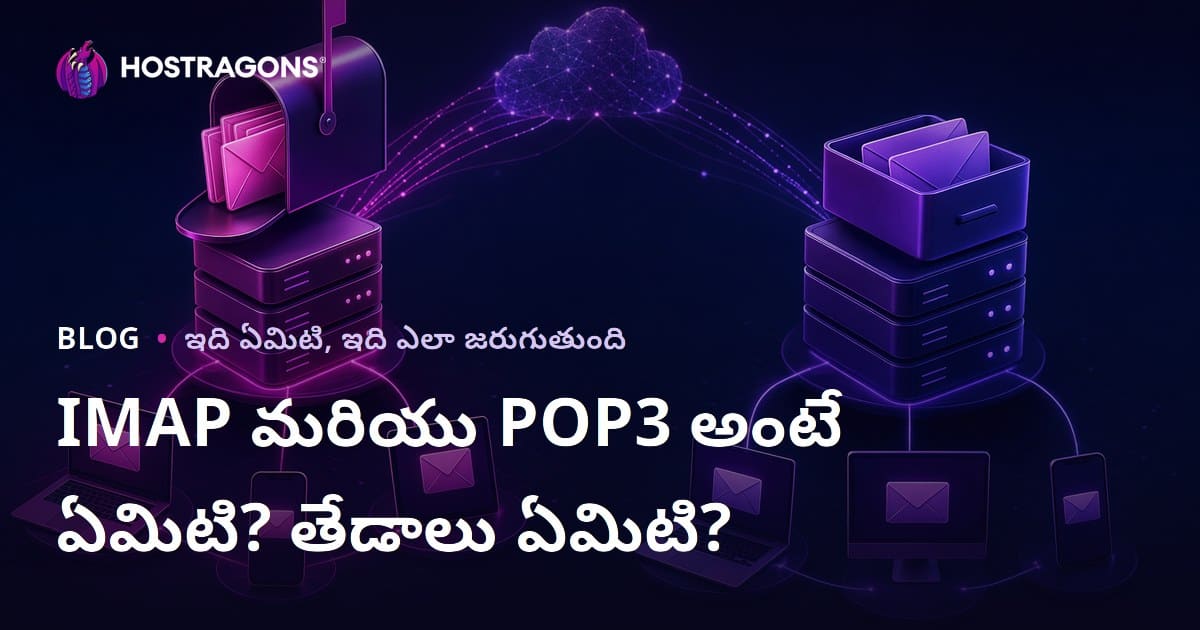
E-mail కమ్యూనికేషన్ లో ఎక్కువగా వినిపించే IMAP మరియు POP3 అనే పదాలు, మెసేజ్లను మనకు ఎలా అందించాలో నిర్దేశించే పద్ధతులు. ఈ తెలుగులో పూర్తిగా వివరించే బ్లాగ్లో IMAP, POP3 ప్రోటోకాల్స్ అంటే ఏంటో, వాటి చరిత్ర, తీవ్రమైన ఆధునిక వాడకాలు, ఎంపికకావలసిన పరిస్థితులు, మరియు e-mail వ్యవస్థపట్ల మార్గదర్శక వివరాలు ఉన్నాయి. ఎవరు ఏ ప్రోటోcol తీసుకోవాలి, మన మెసేజ్లను సురక్షితంగా, సౌకర్యంగా ఎలా నిర్వహించాలో ఈ ప్రత్యేక వ్యాసం తెలుగులో వివరిస్తుంది.
IMAP మరియు POP3: ప్రాథమిక నిర్వచనలు
Email పెట్టుబడి, ఎలా దిద్దుకుంటే ఇష్టము, IMAP (Internet Message Access Protocol) మరియు POP3 (Post Office Protocol version 3) రెండు ఉత్తమమైన విధానాలు. రెండు పద్ధతులు e-mail సెర్వర్ నుండి మీ మెసేజ్లను అందించడంలో భాగంగా ఉన్నా, వాటి పని తీరు, ఉపయోగించే విధానం, ఫీచర్స్ మరియు సరిపడే లక్షణాల్లో స్పష్టమైన వ్యత్యాసం ఉంటుంది. ఈ వివరణలు, మీ email ఉపయోగంలో నేరుగా ప్రభావం చూపించగలవు!
- IMAP మరియు POP3 అంటే ఏమిటి?
- IMAP: Email లను serverలో నిల్వ చేసేవాడు; మీరు పలు డివైస్ల నుండి సమాచారం చూస్తారు.
- POP3: Email లను server నుండి download చేసి, device లో ఉంచుతాడు.
- Sync: IMAP తో emails అన్ని డివైస్ల్లో సమంజసం ఉంటుంది.
- అందుబాటులో: IMAP ద్వారా ఇంటర్నెట్ ఉన్నంత వరకు ఎక్కడైనా access చేసే వీలుంది.
- స్టోరేజ్ ప్లేస్: POP3 generally emails మీ డివైస్లోనే ఉంచుతుంది.
IMAP ద్వారా, messages serverలో ఉంటాయి, మీరు phone, tablet, laptop ఏదైనా మార్పు చేసినా, అది అందరికి update అవుతుంది. POP3 అయితే, message download అవుతుంది; server నుండి మాయం అవుతుంది, అదే device లో మాత్రమే చూడొచ్చు, మరొకటి ఫోన్ లేదా PC లో చూడాలంటే కుదరదు.
| లక్షణం | IMAP | POP3 |
|---|---|---|
| Email స్టోరేజ్ | Server లో నిల్వ | Device లో (సాధారణంగా) |
| అందుబాటు | బహుళ డివైస్లకు | ఒక్కటి (download చేసిన తరువాత) |
| Sync | సాధ్యం | కాదు |
| Internet అవసరం | ఎప్పుడూ ఉండాలి | Download చేసే సమయంలో మాత్రమే |
ఈ రెండు protocols మధ్య ఉన్న తేడాలు, వాడే విధానాన్ని & పనితీరును నిర్ణయిస్తాయి. Internet unlimited గా ఉండి, మీరు mobile, tablet, laptop అంతటా తీసుకున్న email access చేయాలంటే IMAP సోపదం; internet మరియూ అదుపయినప్పుడు, single device లో మాత్రమే email access అయితే POP3 work out అవుతుంది.
మీరు ఎంచుకోవలిన protocol, మీ అవసరాల బట్టి, IMAP, POP3 రెండూ ప్రయోజనాలు & పరిమితీలు ఉన్నాయ్; సరైన ఎంపికతో, email usage మరింత సమర్థవంతంగా చేయవచ్చు.
IMAP మరియు POP3 చరిత్ర
IMAP మరియు POP3, mailing వ్యవస్థలో మైలురాయిగా పాలించిన protocols. e-mail tech పురోగమనం లో వీటిది కీలక పాత్ర. రెండు protocols వల్ల భిన్నమైన అవసరాలకు అనుగుణంగా design చేశారు.
POP3 (Post Office Protocol version 3) 1984 సంవత్సరంలో ప్రారంభమై, server నుంచి email లను download చేసి, లోకల్ గా స్టోర్ చేసే పద్ధతిని అందించింది. తొలినాళ్ళలో internet access తక్కువగా ఉండే సంతంలో, POP3 బ్యాండ్విధ్ కూడా తక్కువగా ఉంటుంది. వెరసి, సాధారణ వాడుకలో బాగా ఉపయోగించారు.
జ్ఞాపక సమయం: IMAP & POP3 ఐతిహ్యాన్నే chronologically చూస్తే
- 1984: POP3 protocol మొదలు.
- 1988: IMAP మొదటి version design.
- 1996: IMAP4 మార్కెట్ లోకి, advanced features తో వచ్చింది.
- 2000’s: Broadband internet వల్ల IMAP ఎక్కువ దొరికింది.
- Today: రెండూ వాడుతున్నారు, IMAP ఎక్కువ modern needs నడుస్తుంది.
IMAP (Internet Message Access Protocol), 1988 లో కనుగొనబడింది, server లో email ఉండే, పైగా mobile, PC, tablet అన్ని డివైస్ల నుంచి access చేసే నమూనా అందించింది. ఎవరైనా team work లేదా ముగ్గురు బహుళ gadgets వాడే వల్ల పెద్ద లాభంగా నిలుస్తుంది. IMAP, POP3 లో ఉన్న syncing, storage limitations తో వాటిని తిరిగి advance చేసింది.
| ప్రోటోకాల్ | వర్షన్/సంవత్సరం | ముఖ్య లక్షణాలు |
|---|---|---|
| POP3 | 1984 | Email లను server నుండి download చేస్తాడు; లోకల్ లో నిలిపేస్తాడు. |
| IMAP | 1988 | Server లో నిలిపి, devices అన్నిటినుంచి access చే ఎలా చేస్తాడు. |
| IMAP4 | 1996 | More features & flexibility ఇచ్చిన improved version. |
| Modern email | ప్రస్తుతం | IMAP వాడకం ఎక్కువ, syncing, device support వృద్ధి. |
ఈ రోజు IMAP, POP3 protocols రెండూ తిరుగుతున్నా, IMAP, mobile lifestyle, continuous access అవసరాలకు బాగా సరిపోతుంది. అందుకే ప్రస్తుతం IMAP ఎక్కువగా మిక్కిలి తీసుకుంటుంది.
IMAP vs POP3: ప్రధాన తేడాలు
IMAP మరియు POP3 మధ్య ప్రధాన తేడా: మెసేజ్ స్టోరేజ్ — IMAP serverలో, POP3 local deviceలో. దీనివల్ల, ఎక్కువ gadgets ఓకే mail ను access చేసే IMAPలో సౌకర్యం, POP3లో limitation.
| లక్షణం | IMAP | POP3 |
|---|---|---|
| Email నిల్వ | Server లో | Device లో |
| Multi-device access | Super (sync) | Limited |
| Internet అవసరం | Continuous linkage | download time |
| Management style | Server-based | Local device-based |
ఈ తేడాల వల్ల IMAP మొబైల్, tablet, laptop అన్నిటిలో work out అవుతుంది. POP3 వాడకం ఉొక device నుండి offline access కావాలి అంటే బాగుంటుంది.
- Email నిల్వ: IMAP serverలో, POP3 డివైస్ లో.
- చాలా devices support: IMAP all gadgets, POP3 ఒక device కు ఎక్కువ పరిమితి.
- Internet: IMAP మునుపు మీదుండాలి; POP3 download/Send చే మాత్రమే అవసరం.
- Mail management: IMAP server ఆధారంగా, POP3 local device ఆధారంగా.
- Backup/Security: IMAP mail serverలో backup, POP3 సొంత device backup అవసరం.
ఇక storage & user experience అన్నీ కింద chapters లో డిటైల్ను చూడండి.
స్టోరేజ్ విధానం
IMAP లో mail, serverలో ఉంటాయి; మీరు mobile లో mail read చేస్తే, laptop లో కూడా read గా కనిపిస్తుంది! POP3లో messages download అవుతాయి; fdone device లో access, syncing చేయడం కుదరదు.
వినియోగదారుల అనుభవం
IMAP వాడితే అన్ని devices నుంచి ఒకే mail అనుభవం వస్తుంది (read, delete, reply changes ఒక్కదానిని అన్ని gadgets కి జతచేస్తుంది). POP3 లో offline access though sync problem, మిగిలిన devices లో changes కనిపించవు.
IMAP యొక్క తెలిచూపే లాభాలు
IMAP యొక్క బహుళ gadgets వాడే వారికి మరింత లాభం — మీ mail serverలో safe, Sync, backup వస్తుంది. చిట్కాలు ఈ క్రింది విధంగా:
- Multi-device support: Phone, tablet, PC — అన్నింటినుంచి mail access.
- Server-based: Data loss కు భయముండదు; devices నష్టం తగిలినా server backup ఉంటుంది.
- Sync: Read/delete changes అదే mailపై అన్ని devices లో కనిపిస్తుంది.
- Quick access: Only mail headings download చేసుకోవచ్చు; need basis లో full mail వార్తేలేచ్చు.
- Smart search: Server search ద్వారా mail find చేయడం easy.
- Security: Device loss, virus వల్ల mail erase అయితే server backup సాయపడుతుంది.
IMAP పై విధంగా instant sync, gadgets backup, ఫోల్డర్ organisation అన్నిటికీ modern lifestyle లో ఎక్కువ ఉపయోగపడుతుంది.
POP3 లో ఉండే లక్షణాలు మరియు దుష్పరిణామాలు
POP3 సొంత deviceలో download + offline access ఇవ్వడమే పెద్ద plus. కానీ syncing లేకపోవడం, multiple device support లేకపోవడం, data loss లేదా mail missing huge drawback. POP3 లో యూ అలర్ట్స్ ఇలా:
| మైనస్ పాయింట్ | వివరణ | ఫలితాలు |
|---|---|---|
| Sync నష్టం | Server నుండి mail download అయితే, gadgets సమంజసం లేదు. | Multiple device లో read status, folders mismatched అవ్వగలవు. |
| Data loss | Server నుండి delete చేస్తే, local device లో backup లేకపోతే mail పోయే ప్రమాదం. | Important mail access miss అవ్వొచ్చు. |
| Limited access | Only download చేసిన device లో mail read అవుతుంది. | Tablet/mobile లో అదే mailకు access ఉండదు. |
| Archive difficulty | Central backup లేదు. | Mail organise, backup, restore కష్టం. |
- Mail backup తప్పక చెయ్యాలి.
- Every device separately POP3 configure చేయాలి.
- Mail "delete from server" option ని దృష్టిలో ఉంచాలి.
- POP3 support server check చేయండి.
- Security అప్డేట్ చేయడం, POP3 password encryption ఉండి ఉండాలి.
IMAP మరియు POP3 ముందస్తు సమీక్ష అడుగులు
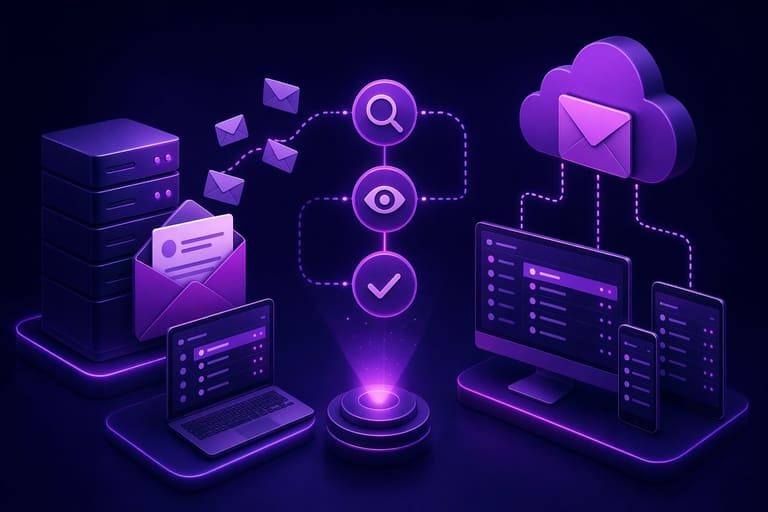
IMAP, POP3 గురించి తెలుసుకునే ముందు, మీ email setup, usage habits, access needs, backup, security, syncing ఈ పరంగా ఏది best కారణం. ఈ క్రింది వాక్యాలు మీకు guide గా ఉంటాయి.
| లక్షణం | IMAP | POP3 |
|---|---|---|
| Email నిల్వ | Server లో నిలిపించారు | Device కు download అవుతుంది; server నుండి delete చేయొచ్చు |
| దేశవ్యాప్తంగా access | Excellent | Limited |
| Internet అవసరం | తరచు ఉండాలి | Download/send సమయంలో మాత్రమే |
| Mail management | Server-based sync | Device-based |
గమనించండి: Mail client అందుబాటులో ఉన్నంత వరకు IMAP, POP3 గుర్తించండి. Server info IMAP/POP3 (address, port), security (SSL/TLS), username, password తెలుసుకుని setup చేయండి.
- Mail address & password
- Server address (imap.yoursite.com, pop.yoursite.com)
- Ports (IMAP: 993, POP3: 995 SSL తో)
- SMTP info outgoing mailకి
- Security settings (SSL/TLS)
- Updated mail app వాడండి
Testing కోసం ట్రయల్ account లేదా existing accountలో IMAP, POP3 configure చేసి experience compare చెయ్యచ్చు.
ఎంపిక: మీకు అనువైన ప్రోటోకాల్
Protocol select చేయడంలో usage style, device count, connectivity, backup, archive needs దృష్టిలో పెడితే decision easy అవుతుంది. IMAP multi-device-oriented, continuous access ఉత్కృష్టయిన protocol.
- Multi-device: IMAP అన్నింటి మీద sync; POP3 ఓకటి.
- Storage: IMAP serverలో backup; POP3 device local.
- Internet Link: IMAP continuous అవసరం; POP3 offline access download తరువాత.
- Sync: IMAP sync; POP3 sync లేదు.
- Backup: IMAP server backup; POP3 manual backup device.
| లక్షణం | IMAP | POP3 |
|---|---|---|
| Multi-device access | Yes | Limited |
| Email నిల్వ | సర్వర్ | Device |
| Offline access | Partial | Full |
| Sync | Yes | No |
Internet కుంటే POP3 download ద్వారా offline access బాగుంటుంది; IMAP ఎక్కువ devices, syncing, backup అవసరం ఉన్నప్పుడు వీదు గొప్పది.
Email నిర్వహణలో చిట్కాలు
కౌశల్యంగా mail నిర్వహించేందుకు సరైన protocol లేదా organising tools నిర్దేశించాలి. IMAP, POP3 protocols తో కూడిన organising style మాటలు ఉండాలి.
| పదం | వివరణ | ప్రాముఖ్యత |
|---|---|---|
| Inbox | ఇతర mails చేరే కేంద్రం | Messages ల display |
| Archive | Backup or storage కోసం | Important mailకి access, inbox clean |
| Filter | Criteria ఆధారంగా mail arrange | Organise, priority సహాయం |
| Label | Mail classification | Quick search & category మొత్తం |
- Mail నాలాగే read & reply చేసేవాడిగా గంటనకొనడం
- Mail చదివిన వెంటనే action తీసుకోవడం
- Filter rules వాడి inbox clean చేయడం
- Template mails వాడితే, repeated mail వేగంగా పంపించవచ్చు
- Unwanted newsletters avoid చేయండి
- Mail notifications తీసి, time block basis mail check చేయండి
IMAP, POP3 working style మీద perfect idea ఉంటే, mail organisation optimal చేయొచ్చు.
IMAP & POP3 వాడేటప్పుడు జాగ్రత్తలు
| లక్షణం | IMAP | POP3 |
|---|---|---|
| Email నిల్వ | Server లో | Device లో |
| Multi-device access | Available | Limited |
| Data security | Server level | Device level |
| Internet అవసరం | Continuous | Download time only |
- Data security: IMAP user strong password, 2FA, server security పై దృష్టి ఉంచండి.
- POP3: Device-level security, మానవ backup, antivirus, device loss protection తప్పకుండి ఉండాలి.
- Protocol selection లో security, backup, మీ పరిస్థితులు మీద focus దృష్టితో తీసుకోండి.
- Mail client updates, OS patches, చీటికచీనటి mail avoid చేయుడి.
- Spam filters ఇప్పుడు enable చేయండి; spam mail రాకుండా కాపాడండి.
IMAP, POP3 protocol పై సంస్థాపన ద్వారా, mail security మెరుగవుతోంది. మీ mail client, OS నచ్చిన updates ఉంచండి.
కొరి: మీ అవసరానికి సరిగ్గా ఏ విధానం?
| లక్షణం | IMAP | POP3 |
|---|---|---|
| Email నిల్వ | సర్వర్ | Device |
| Multi-device access | Available | Limited |
| Sync | Yes | No |
| Internet అవసరం | Continuous | Download time only |
IMAP — mobile usage, gadgets పరంగా, backup అవసరానికి fit. POP3 single device, offline usage, limited server storage అవసరానికి fit.
- Usage style analyse చేయండి
- Devices count check చేయండి
- Offline access అవసరము ఉందా check చేయండి
- Storage, backup మీకు అవసరమైనదేనా?
- SSL/TLS encryption తప్పక అయ్యేలా enable చేయండి
- Email client, server updates కు ప్రాధాన్యత ఇవ్వండి
IMAP, POP3 protocols గురించి ఖచ్చితంగా realise చేసి, మీ అవసరమైన ప్రోటోcol వాడండి. FIT protocol డైవిస్లు, backup, security, offline/online needs పై ప్రభావం చూపుతుంది.
చివరగా: తరచుగా అడిగే ప్రశ్నలు
IMAP, POP3 protocols వల్ల mail reading style మార్చిపోవడం ఎలా?
IMAP mail serverలో విలీనం; sync ద్వారా phone, tablet, laptop అన్నిట్లో అదే status ఉంటది. POP3 mail local device లో చేరి, server నుండి delete అయితే, access కూడ device కోసం మాత్రమే.
IMAP లాభాలు, POP3 కన్నా ఎందుకు గొప్పగా?
IMAP mobile, tablet వంటి gadgets కు sync/backup/organise చేయడం easy; POP3 single device/ offline convenience కోసం మాత్రమే.
POP3 వాడితే వచ్చే సమస్యలు ఏమిటి?
POP3 mail download చేసుకున్న తర్వాత server నుండి delete చేస్తే, backup లేకపోతే mail పోయే ప్రమాదం.
IMAP లేదా POP3 ద్వారా accounts ఎలా setup చేయాలి?
Mail client (Outlook, Gmail, Thunderbird, etc.) లో account add/setup చేస్తే, IMAP లేదా POP3 ఈదుమార్చి ఇవ్వవచ్చు. ఏమి protocol select చేయాలో, server info (address, port, security) mail provider guide లో ఉంది.
IMAP కాకుండా POP3 ఎప్పుడు work out అవుతుంది?
Single device ను offline access అవసరమైనపుడు, POP3 ఉపయోగించవచ్చు. Internet నుంచి mail download చేసి, server నుండి delete చేసి space save చేయొచ్చు.
Email నిర్వహణలో ఎన్ని methods, IMAP/POP3 users కు ఉపయోగపడతాయి?
Inbox clean, filter rules, folder organise, mail label, spam filter enable, regular client updates, strong password, 2FA enable — both IMAP/POP3 users కు ఉపయోగపడతాయి.
IMAP & POP3 వారు mail security ఎలా అంటారు?
SSL/TLS protocol enable చేసి, mail encryption; server strong password; 2FA; device security; phishing avoid; mail updates తప్పక జరగాలి.
IMAP, POP3 mobile usage పై ప్రభావం ఎలా?
IMAP mobile devices, tablet లో mail sync/organise/backup సులభం; POP3 లలో syncing లేదు; mail status వేరుగా ఉంటుంది.